
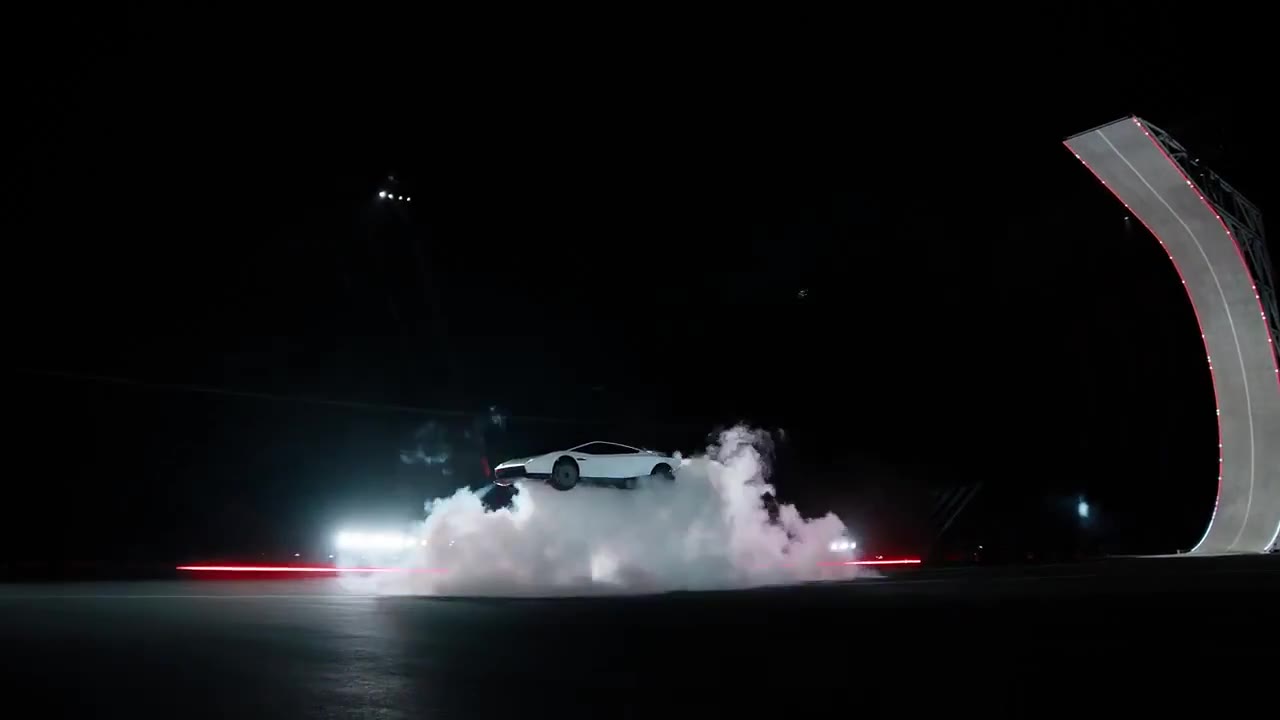
01 · RAMP · 8S
Ramp Flip
The signature flying car shot. Best for long, low cars — the curved wall shows off the full profile.
FLYING CAR AI · ONE PHOTO → ONE STUNT
Upload a photo of your car and watch it climb a curved ramp, go upside down, launch into a flip and land in a cloud of vapor. No prompt, no editing — just pick a stunt.
 Input photo
Whole vehicle in frame, all wheels visible, side or three-quarter view. Bikes, carts and toy cars work too.
Up the curved wall, upside down, off the lip and a full flip before touchdown.
Private by default — never shown in a public gallery. My videos
Each template is built from real stunt footage that guides the motion, camera and timing. Your photo decides what flies.
The signature flying car shot. Best for long, low cars — the curved wall shows off the full profile.
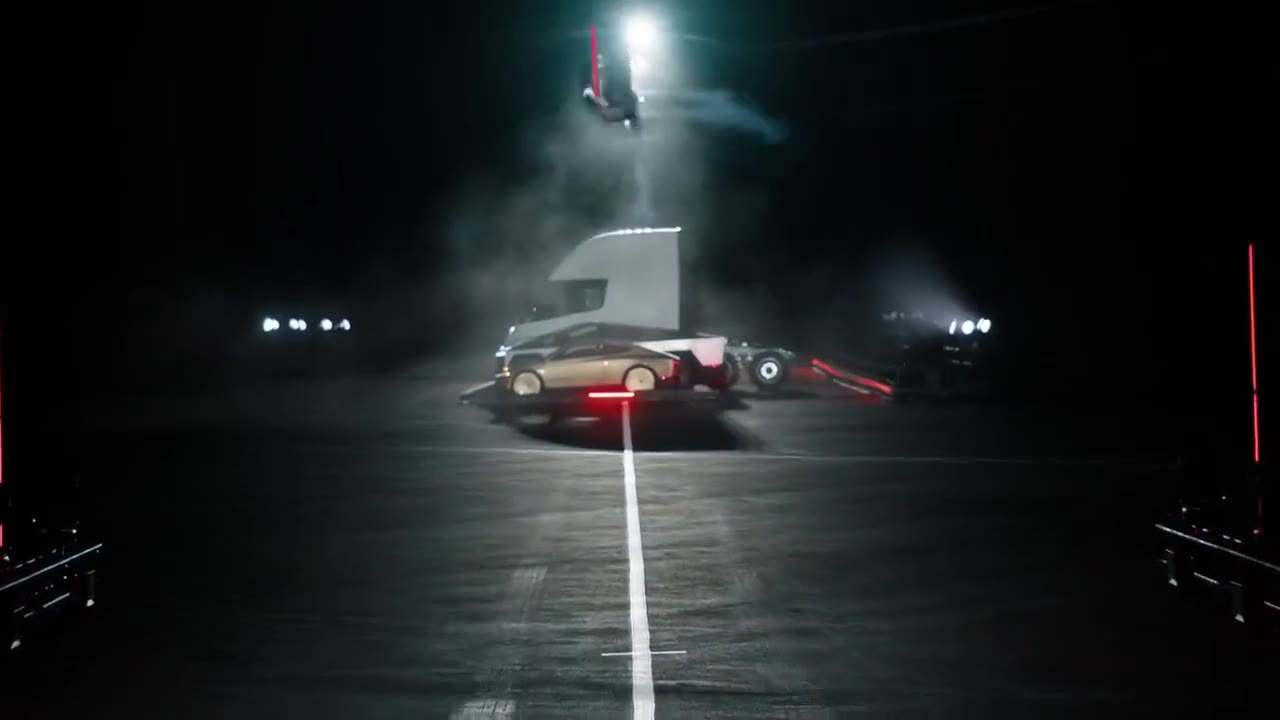
Straight at the camera. Good for showing the front of your car and its lights.
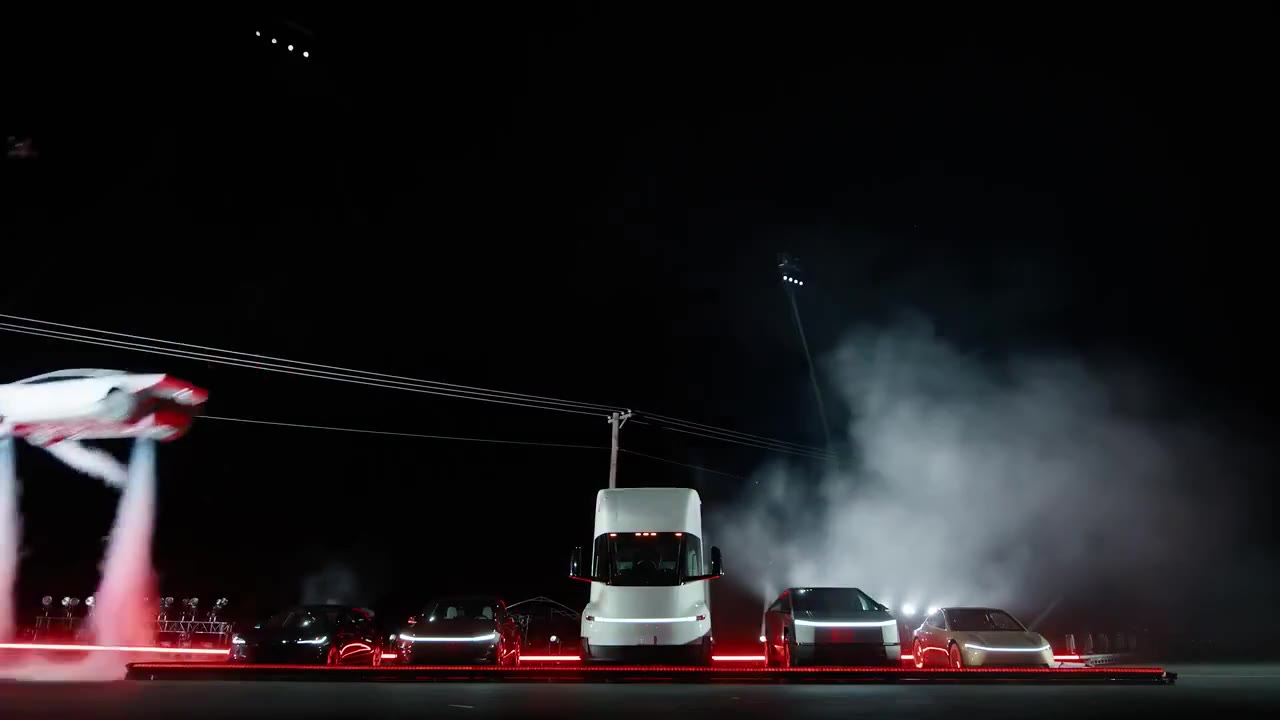
The shortest clip. Great as a quick loop or a reaction-video insert.
Anything with wheels and a clear photo can take the ramp. Some ideas people try first:
A flying car AI video takes a still photo of a vehicle and turns it into a short, photorealistic stunt clip. The flying car trend took off after a live demo showed a sports car driving up an inverted ramp, flipping in mid-air and landing on thrusters.
Flying Car AI recreates that kind of moment with your own car. A reference clip supplies the action and camera movement; your photo supplies the paint, body shape and wheels. The result is a ready-to-post MP4 with sound effects.
It works with almost anything on wheels: a hatchback, a pickup, a classic, your dad’s minivan — even a bicycle or a shopping cart if you want a laugh.
Ramp flip, head-on kickflip or the side-on kickflip. Preview the action before you choose.
One clear photo with the whole vehicle and its wheels in frame. Side or three-quarter view works best.
Pick 16:9, 9:16 or 1:1 and 480p or 720p HD. Your MP4 lands in My videos, ready for TikTok, Reels or Shorts.
480p uses 1 credit. 720p HD uses 2. Every format costs the same and credits never expire.
One stunt video at 480p.
One HD video, or two at 480p.
Two HD videos, or four at 480p.
$8.50 per HD video
4 credits · One-time payment · credits never expireThree HD videos, or six at 480p.
$8.33 per HD video
6 credits · One-time payment · credits never expireFlying Car AI is an online video generator that makes your car look like it flies. Upload one photo, pick a stunt template and it generates a short, realistic video of your vehicle launching off a ramp or kickflipping over parked cars.
The original demo that started the trend was filmed at a live reveal event. The videos people now post of their own cars flipping are AI recreations like the ones this tool makes. Always label AI-generated clips when you share them.
Yes. Any car, truck, van or motorbike works, and so do bicycles, scooters, carts and toy cars. The clearer the photo, the more faithfully the AI keeps its paint, shape and wheels.
No. Each flying car template ships with its own reference clip and prompt. You only choose the stunt, add a photo and pick the frame.
A daylight photo with the entire vehicle visible, all wheels included, shot from the side or at three-quarters. Busy streets, heavy reflections and cars overlapping yours make the AI guess more.
It depends on the stunt: currently 5 to 8 seconds. Every clip has generated sound — wind rush, motor whine, thruster hiss and the touchdown — but no music, so it is ready for your own track.
Pick 9:16 before launching and the scene is rebuilt for a vertical frame, ready for TikTok, Reels or Shorts. Widescreen 16:9 and square 1:1 cost the same.
One 480p video is $6.99 and one HD video is $9.99. Bigger packs bring HD down to about $8.33 per video. No subscription; unused credits stay in your account.
A failed render returns its credits automatically. If a finished video misses the mark, every purchase includes one free redo that hands the credits back.
Only you. Uploads and results sit in private storage behind short-lived signed links and are never published in a gallery. Use photos you own or have permission to use.
No. Flying Car AI is an independent tool and is not affiliated with, endorsed or sponsored by any vehicle manufacturer.
One photo is all it takes to put your car in the air.
Make my car fly